
- PLA vs. ABS: a 10-hour cost example
- Calculate your own print
- Include warmup in a long print
- What would this cost in your home?
- Why the heated bed changes the result
- Two printer examples: compare what the specifications really say
- Measure one complete job without missing hidden costs
- Choose material for the job, not just the power bill
- Frequently asked questions
- Sources
A 10-hour 3D print can use less electricity than you might expect. Using Prusa Research’s published measurements for an MK-series printer, an 80-watt PLA example consumes about 0.8 kWh, or 15 cents, while a 120-watt ABS example consumes about 1.2 kWh, or 22 cents, at 18.16¢/kWh. Your results will depend on your printer, material, room temperature and the print itself.
If you print in ABS, I would expect a higher bill. In this example, a 10-hour print with a 55°C bed used about 0.8 kWh, while a 100°C bed used about 1.9 kWh. The heated bed is the main reason, so I would keep the bed only as hot as the material needs.
The difference in these examples is about 7 cents per 10-hour print. The price of filament, failed prints and printer wear may matter more than electricity when pricing a part.
PLA vs. ABS: a 10-hour cost example
Prusa reports an average of 80 W for generic PLA and 120 W for generic ABS on an MK-series printer at a 26°C room temperature. These are the manufacturer’s measurements, not a universal benchmark for all printers. For the table, assume those averages apply over an entire 10-hour job, including any preheating. At 18.16¢/kWh:
| Scenario | Average power | Energy per 10-hour job | Cost per job | 10 jobs |
|---|---|---|---|---|
| Generic PLA | 80 W | 0.80 kWh | $0.15 | $1.45 |
| Generic ABS | 120 W | 1.20 kWh | $0.22 | $2.18 |
Totals use unrounded values, so ten individually rounded costs may differ by a few cents. If your printer averages 150 W instead, the same 10 hours uses 1.5 kWh and costs about $0.27. A peak reading during heat-up is not the average for the full print.
Calculate your own print
Enter measured average watts and total print hours below. Set hours to the duration of one job: the daily result then represents one such job. Monthly and yearly results assume that same job runs every day; they do not automatically represent occasional printing.
Include warmup in a long print
A print that fails halfway still uses the electricity consumed before failure. Compare completed parts by dividing total measured kWh, including failed attempts and bed warmup, by the number of usable parts. A heated enclosure and bed can change the result, so measure the complete printer setup rather than only its extruder.
What would this cost in your home?
Adjust the starting values to match your appliance and electricity plan.
Electricity rate: U.S. EIA residential average for August 2026, 18.16¢/kWh; checked November 5, 2026. Enter your own variable electricity rate for a more relevant estimate. Fixed charges are excluded.
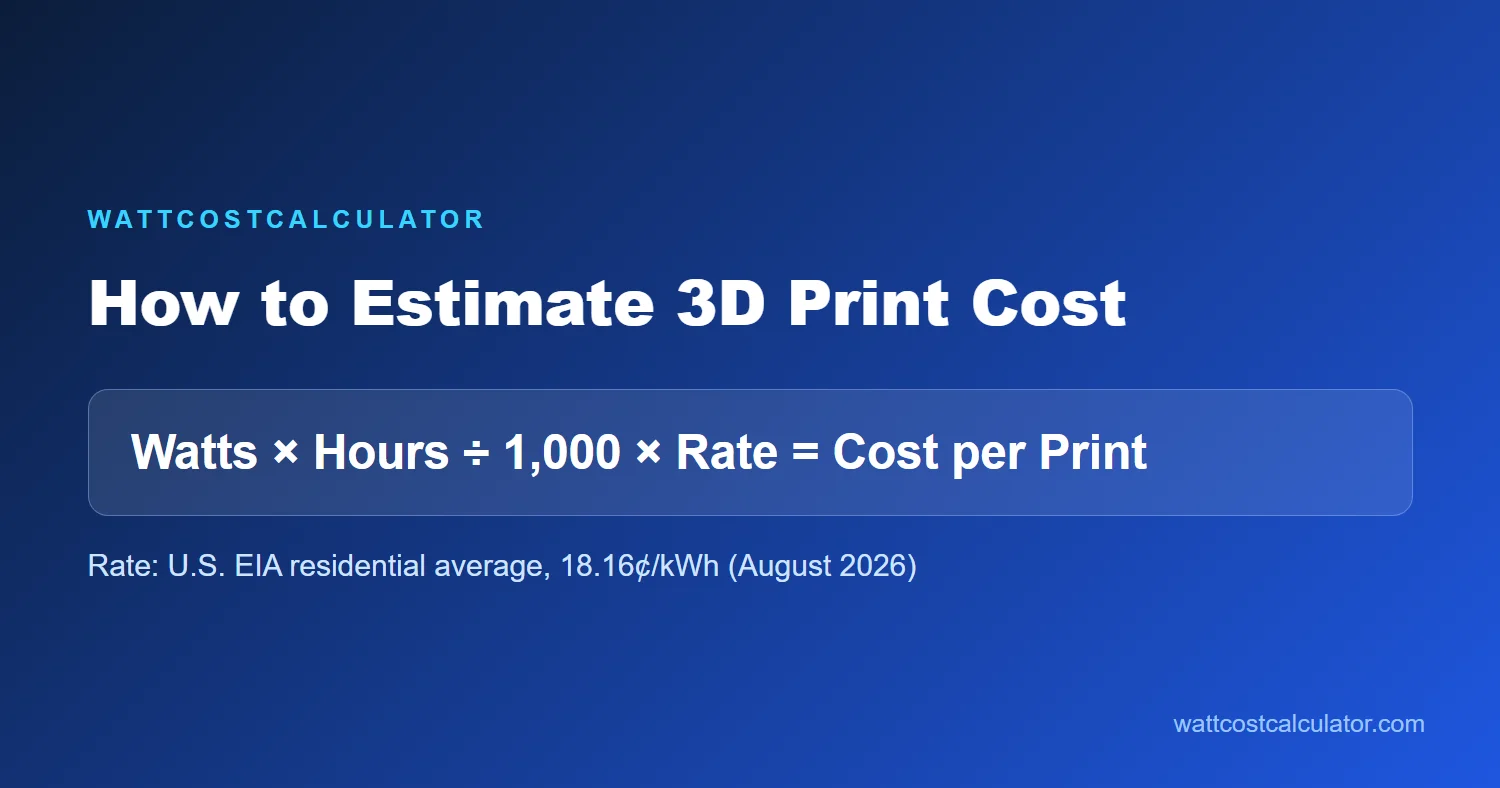
Alternatively, use this direct formula: average watts ÷ 1,000 × print hours × price per kWh. If a plug-in meter gives total kWh for the whole job, multiply that reading by the price per kWh; there is no need to estimate average watts.
Why the heated bed changes the result
The printer initially heats its bed and nozzle, then cycles heaters to maintain temperature. A warmer bed, colder room or more heat escaping can change that duty cycle. ABS often uses a hotter bed and enclosure than PLA, but the exact settings depend on filament and printer. Do not assume every ABS job draws 120 W, or that PLA always costs less: a longer PLA job can consume more energy than a shorter ABS job.
For example, a 15-hour PLA job averaging 80 W consumes 1.2 kWh, the same energy as a 10-hour ABS job averaging 120 W. Compare identical parts and settings before deciding whether a material change is actually saving energy.
Two printer examples: compare what the specifications really say
| Printer | Manufacturer information | What it means for your estimate |
|---|---|---|
| Original Prusa MK4/S | Prusa reports PLA first-layer draw of 50–85 W and 66–150 W during the rest of a print in its UPS guide. | A range depends on conditions; it is not a full-job average. The 80 W and 120 W examples above are published for the MK series, not a model-specific guarantee. |
| Bambu Lab A1 | The A1 quick-start guide specifies a maximum build-plate temperature of 100°C. | A temperature limit is not a power measurement. Use a meter for a comparable print instead of converting the bed rating into claimed electricity use. |
Measure one complete job without missing hidden costs
- Use a suitably rated plug-in energy meter and follow both the printer’s and meter’s safety instructions.
- Reset the meter before preheating and read kWh only after the print and cool-down are complete. Record printer, filament, settings and room temperature.
- If you run a separate enclosure fan, filter or filament dryer, measure it separately and add its kWh. A dryer running before printing is not included in the printer-only table.
- Compare repeated jobs of the same object. Failed prints still use electricity and filament; account for them in the cost of finished parts.
Choose material for the job, not just the power bill
A seven-cent modeled difference is usually too small to outweigh the part’s requirements. Choose material based on temperature exposure, strength, dimensional stability and manufacturer guidance. For safe indoor operation, follow the printer and filament instructions and consider emissions controls. NIOSH reports that local exhaust ventilation reduced measured ultrafine particles in one office study; an enclosure alone should not be assumed to eliminate gases or particles.
For other always-on equipment, see our home AI server electricity guide and router and modem cost guide. Use the main electricity calculator to explore a different device.
Frequently asked questions
Does ABS always use more electricity than PLA?
Not always. ABS often calls for a warmer bed and enclosure, which can raise heater use, but print duration, room temperature, printer design, and settings also matter. Compare the same part and measure total kWh for each complete job before drawing a conclusion.
Does the 120 W ABS example apply to every printer?
No. The 80 W PLA and 120 W ABS figures are Prusa Research averages for an MK-series example at a 26°C room temperature. They are useful inputs for the arithmetic shown here, not guaranteed averages for another printer, enclosure, or filament profile.
Should I include the heated bed and enclosure?
Yes, if they are part of your normal print setup. Measuring the printer’s complete plug-in input captures the bed, nozzle and powered printer components together. Measure a separately powered enclosure heater, ventilation fan or filament dryer separately if you want to include those costs too.
How do I calculate the cost of one print?
Multiply the job’s measured kWh by your electricity price in dollars per kWh. If you only know average watts and duration, use average watts ÷ 1,000 × hours × price. Include preheating and failed attempts when calculating the cost per usable part.
Sources
- Prusa Research FAQ — MK-series PLA and ABS average-power examples and room temperature.
- Prusa Research UPS guide — model-group PLA power ranges.
- Bambu Lab A1 Quick Start Guide — build-plate specification.
- EIA Electric Power Monthly — August 2026 U.S. residential average.
- NIOSH: 3D printing emissions and controls — ventilation study.
Disclaimer: The figures on this page use statewide or standardized averages and the inputs shown. They are for general information only, not a utility quote, a bill, or financial advice. Check your own electricity bill and the official EIA or manufacturer sources for current figures.

Cat Water Fountain Electricity Cost: Monthly Cost by Pump Wattage
A cat water fountain costs about $0.13 to $0.39 a month at 18.16¢/kWh if its pump runs 24 hours at 1 to...

CPAP Machine Electricity Cost: Heated Humidifier & Heated Tube Impact
Running a CPAP machine for 8 hours a night costs roughly $0.65 per 30-day month ($7.95/year) with humidification off, or $2.58 per...

Christmas Lights Electricity Cost: LED vs. Incandescent Holiday Displays
Lighting 600 incandescent mini Christmas bulbs for 6 hours a night costs roughly $7.85 per 30-day month at 18.16¢/kWh, whereas an equivalent...
Robot Vacuum & Auto-Empty Wash Dock Electricity Cost: Charging vs. Hot-Air Drying
A basic charging-only robot vacuum costs roughly $0.46 per 30-day month ($5.62/year) at 18.16¢/kWh, while an all-in-one mop-washing and hot-air drying station...